

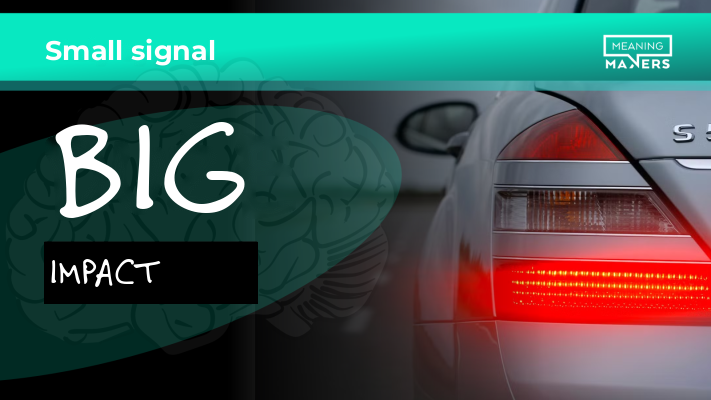
The car in front of you brakes hard. The brake lights don't come on.
That's what a surprising number of presentations look like. You reach your most important point, you show the data that should change how your audience thinks, and from where they're sitting nothing much has happened. Same slide, similar layout, same way of speaking. Nothing told them that this was the moment to stop and pay attention.
I spend a lot of time driving between workshops. On long journeys it's easy to notice how much we do on autopilot. You're driving, you're watching the road, but your mind is somewhere else entirely. Work, family, projects that need finishing. You probably know the feeling.
Then the brake lights come on in the car in front. Two red dots, and your attention snaps straight back to the road. Even if a second ago you were completely lost in your own thoughts.
Now think about what happens when those lights don't work. The car still slows down, but you have to pick that up from much weaker signals. The change in speed is smoother, less obvious. You might not even notice it! You might react later than you should.
For well over a decade, I've kept coming back to one word in my presentation workshops. It comes up when we talk about openings, slides, data and decisions.
That word is CONTRAST.
I see it as one of the most important mechanisms for designing a message that actually lands.
Your brain is wired to notice differences
You're at the cinema. On screen there's a quiet scene, the characters are talking, everything is unfolding just as you'd expect. Suddenly there's a sharp movement or a loud noise. You jump in your seat. Your brain has just given the director exactly the reaction they wanted.
But contrast can work the other way, too. Picture a noisy room where everyone suddenly goes quiet. You don't even need to know what's happened. The change alone is enough to make you look around.
Or food. You take a bite of something you know well, and it tastes different from usual. You notice straight away. If the difference is worrying enough, you might even spit it out without thinking.
In every one of these cases, something breaks the pattern you expected.
That's why contrast matters so much from an evolutionary point of view. Being able to spot changes in our surroundings quickly improved our chances of survival. A change could mean danger, but it could also mean an opportunity you couldn't afford to miss.
In psychology, this shift of attention towards a new or significant stimulus is often described as the orienting response. Research into it goes back to the work of Ivan Pavlov and Evgeny Sokolov. It shows that our nervous system responds to changes in our environment, and that our response to repeated stimuli gradually fades.
That second effect is called habituation - in other words, getting used to things.
The brain can't give equal attention to everything we see and hear. It has to filter. When a stimulus keeps repeating and doesn't call for any particular response, we start devoting fewer mental resources to it.
It's a very useful mechanism. If you spent the whole day consciously analysing every hum of the air conditioning, every change in the lighting or every car going past the window, you probably wouldn't get much done.
I use this quite deliberately when I work.
Why I avoid music with vocals when I work
I love music. I listen to a lot of it, including when I'm working on materials, presentations or client projects.
But I have one rule: when I really need to focus, I usually pick music without vocals.
When I'm listening to an instrumental track I know, after a while I can settle into the rhythm of work. The music becomes background. I don't have to analyse it, and it doesn't take up my conscious attention. Very often, that's exactly what I want from it.
Vocals can be a different story. A human voice, the words coming through, a change in the melody or the chorus suddenly kicking in can pull me straight out of that state. I start following the lyrics or picking out words, even though a moment ago I was completely absorbed in my work.
My brain has picked up something it decided was worth noticing.
In this case, contrast gets in my way. I need a calm, predictable background that lets me keep working.
In a presentation, it's the other way round.
When you show your audience similar slides for forty minutes, speak at much the same pace and never change the way you run the session, you make it very easy for them to get used to it.
After a while they may still be looking at the screen, but less and less of what they see will need their conscious engagement.
You know this from your own experience. You're sitting in a meeting, someone moves on to the next slide, and you realise you've been thinking about something else entirely for the last few minutes. You can't even say when you drifted off.
That's why I so often tell people in my workshops not to leave attention to chance.
Contrast lets you break the predictability and draw your audience's attention to the moment that matters.
If everything is equally important, nothing is
Presenting the company's results to the board?
Then you've probably got an Excel sheet ready. Masses of data, columns, summaries, metrics and forecasts. Great analytical work. You know exactly where the key piece of information is, because you've spent hours on this material.
You put the table up and start talking. But let's think about what your audience actually sees.
For you, those numbers have a clear hierarchy. You know their history, their meaning and how they connect. You know which one deserves the spotlight and which is just context. The person on the other side is still trying to find their way around it all.
If every number looks much the same, your audience has to decide for themselves which one to focus on.
We often assume people are looking at what we want them to look at. But we're the ones who know the story behind the information. Our audience is seeing it for the first time.
Now imagine this. After the table, you move on to the next slide. There's just one number on the whole screen:
12%
Silence. You let it sink in.
Only then do you explain what it means.
You've completely changed how your audience takes in that information. A moment ago it was one of dozens of numbers in a table. Now it fills the screen and becomes the centre of attention.
Interestingly, you've done it mainly by taking everything else away.
Visual contrast doesn't need complicated animations, special effects or a futuristic PowerPoint. Sometimes all it takes is leaving one thing on the screen.
When everything has the same priority, your audience can't tell what matters.
But even the number you've made stand out still needs meaning.
Is 12% sales growth a good result? That depends.
If the market grew by 3% over the same period, you'll probably be very pleased with it.
But if the market grew by 25% and your company by only 12%, the same number starts telling a completely different story.
We haven't changed the result. We've changed the point of reference.
Decision psychology has long shown how strongly our judgements depend on context and comparison. Daniel Kahneman wrote about the role reference points play in how we perceive gains, losses and how attractive the available options are.
In presentations, this matters enormously. You can present information that is absolutely true, accurate and well documented, and it can still tell your audience very little. Only the right comparison shows them its real scale.
Contrast also changes how we make decisions
In sales workshops, we've worked through this simple example more than once.
Let's say you have to tell a client that the price is going up by 8%.
It doesn't sound great. The client will probably be unhappy. After all, only yesterday they were paying less, so their natural point of reference is the current price.
But what happens if they know that a 12% increase was originally on the table, and in the end it was brought down to 8%?
The same information can land differently. Eight per cent is still a price rise, but next to twelve it starts to look different.
Of course, a comparison like this should come from real circumstances, not from a number made up just to cheer the client up.
You can use the same mechanism when you present a strategy, propose a process change or try to convince the board to invest.
When you only show future benefits, your audience may struggle to judge how much they matter. Especially when the benefits are a long way off and the cost of the decision is immediate.
But when you set the proposed solution against the consequences of sticking with the way things are done now, you get a much fuller picture.
For example, you can say the new process will cut report preparation time by 30%. That's concrete. But when you show that today a single report takes five people two days, and after the change the same team will be able to do it in a few hours, your audience will find it much easier to grasp what those 30% really mean.
Contrast stops being just a way of directing attention. It starts helping people weigh up options and consequences.
That's why we use it so often in business presentations where you need a specific decision.
How do you design contrast into a presentation?
Last week, participants told me once again that the way I open my workshops is completely different from what they're used to.
That's no accident.
For years I've very deliberately avoided openings along the lines of: "Good morning, my name is Wojtek, I'll tell you a bit about myself, then we'll go through the agenda, the ground rules, the breaks and the housekeeping."
Of course, some of those things are necessary. But if we put them all at the start, participants would get exactly the same pattern as at a dozen other workshops they've been to before.
Instead, I often start with a question, a story, something written on the flipchart, or by showing a problem from an angle participants didn't expect.
Before they've had a chance to settle comfortably into a familiar pattern, they already have to react, think or make some kind of decision.
That way, from the first few minutes, I set a clear expectation: it's worth paying attention here, because not everything will go the way it usually does.
But you don't have to run a workshop to use this mechanism. Contrast is just as useful when you're presenting results, in a sales meeting or in a conversation with the board.
Here are four ways I use it regularly in my own work.
1. Break expectations right from the start
Your audience arrives at your presentation with plenty of experience behind them. They've seen countless slides, heard dozens of similar openings and have a pretty good idea of what's coming next.
So if you start exactly the way they expect, you'll confirm their predictions very quickly.
Try opening with something that brings a different perspective. You can ask a question that makes people think, show an unexpected result or tell a short story that leads straight into the problem you want to tackle.
Let's say you're presenting a strategy for improving customer service. The standard opening is the agenda, the project goals and the planned initiatives.
Instead, you could open by showing two messages from customers. One after a really good interaction and one after a bad one. Then ask the room what makes the same company produce such different experiences.
Your audience immediately starts looking for an answer. The topic matters to them before you've even got to the details.
2. Make what really matters stand out
It's one of the simplest principles of slide design, and at the same time one of the most often ignored.
When there are eight bullet points on the screen, all in the same font and a similar layout, your audience sees eight items of roughly equal priority.
Yet one or two of them probably matter far more to your message.
Use visual contrast to show the hierarchy. You can make the most important element bigger, change its colour, give it more space around it or simply move it onto a separate slide.
Remember the Excel example? One number filling the screen can do far more for understanding than another five minutes of explaining a table.
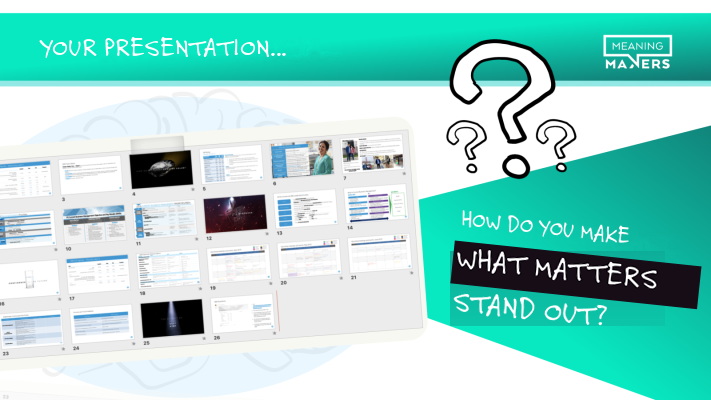
In my workshops, I regularly show participants what their presentations look like when they zoom out in PowerPoint and a dozen or so slides are on screen at once.
When they all look almost identical, an interesting question comes up: how is the audience supposed to recognise which moments really deserve more attention?
You don't need to redesign the whole presentation. Sometimes one slide that clearly stands apart from the rest is enough.
3. Change the rhythm before your audience gets used to it
Even a brilliantly designed opening loses its novelty over time. If nothing changes for the next half hour, your audience starts to start to see the pattern in how you're presenting.
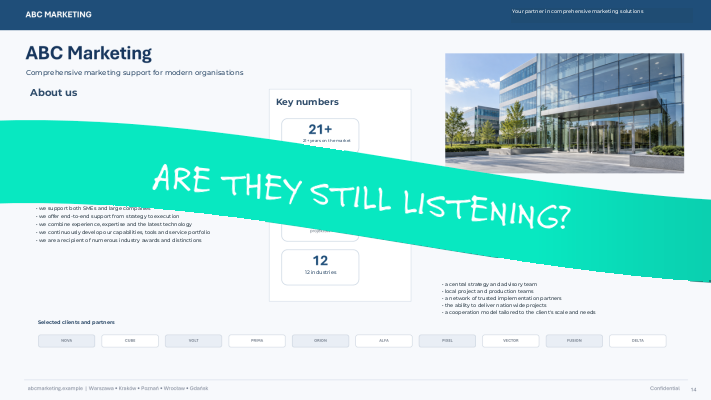
That's why it's worth deliberately changing the way you deliver information during a presentation.
You can blank the slides, go to the whiteboard and draw something. Pause the presentation and ask a question. Instead of yet another chart, show a large photo that helps people understand the situation you're discussing. You can start writing on the screen, especially if you've been using ready-made materials up to that point.
Sometimes a change in your speaking pace or a moment of silence is all it takes.
None of this has to be spectacular. Most of it is completely ordinary. But it changes something your audience had already got used to.
I often use a black screen myself. I blank the presentation when I want people to stop looking at the slides and focus on the conversation we're having. At the right moment, bringing the slides back can grab attention too.
Just remember that if you do it every three minutes, after a while the blanking itself becomes the new pattern. The brain can get used to your surprises, too.
4. Show the difference that gives things meaning
The last principle is about the content itself.
In presentations, we regularly give our audience information that needs a point of reference. Financial results, product specifications, returns on investment, forecasts or proposed changes.
If you want people to genuinely judge how much it matters, help them see the difference.
Presenting results? Show them against the previous period, the market or the target you set.
Recommending a new process? Put the current way of working side by side with how it will look once it's in place. Ideally, using a specific task as the example.
Trying to win support for an investment? Show both the possible result and the consequences of putting the decision off.
It's important that your comparisons are fair. A well-chosen point of reference can help people understand the real difference, but the wrong one can distort the picture just as effectively.
The best contrast lets your audience reach the conclusion you're hoping for on their own. When they can see both pictures, it's easier for them to understand why you're recommending a particular direction.
Contrast that doesn't help
There's one more thing I always mention in my workshops.
Say you're mid-presentation and you trip over a cable, knock over the table and spill coffee all over your laptop.
I guarantee you'll have everyone's attention. Probably for rather longer than you'd planned.
But is that really the kind of attention you were after?
Contrast can capture attention, but on its own it doesn't guarantee your audience will then focus on your logic, your arguments and your recommendation.
Daniel Kahneman popularised the distinction between two modes of thinking: the fast, automatic System 1 and the slower, more deliberate System 2. It's a simplified psychological model, but a very useful one for understanding communication.
When you design contrast deliberately, you can use your audience's automatic sensitivity to change to steer their attention towards information that needs deeper thought.
And you don't need theatrical gestures or announcements like: "Right, watch this - I'm about to do something surprising."
The best solutions often look completely natural. You ask a question, change the slide, pause, show the data on a different scale. Each move is justified by what you're trying to get across.
When the contrast starts to matter more than the message itself, it's easy to turn your presentation into a string of party tricks.
Think about the cinema again. If every film had a loud noise every five minutes designed to make you jump, after a while you'd probably stop reacting. Or you might just walk out.
A good presentation needs changes of rhythm. It also needs moments when your audience can calmly take in and process the information they've just been given.
Remember the brake lights
Brake lights aren't particularly sophisticated technology. We all know them, we've seen them thousands of times and we understand perfectly well what they mean.
And yet they still work, because they come on exactly when the situation on the road starts to change. They help us catch that change, even if a moment ago we were thinking about something completely different.
Your presentations need moments like that too.
When you get to information that should change how your audience thinks, give them a reason to notice it. If you're showing important data, help them see how it differs from everything else. If you want a decision, show what really sets the options apart.
For years I've watched how much of making presentations work comes down to exactly this: deliberately designing the moments when your audience stops, pays attention and starts reassessing what they're seeing and hearing.
Because when your most important information looks just like everything else, you can be absolutely right, with great data and brilliantly prepared arguments.
But your audience may have driven on a few minutes ago, their minds somewhere else entirely.